When we started DioGrid, the question wasn’t what to build — it was how small to make the first thing and still have something useful.
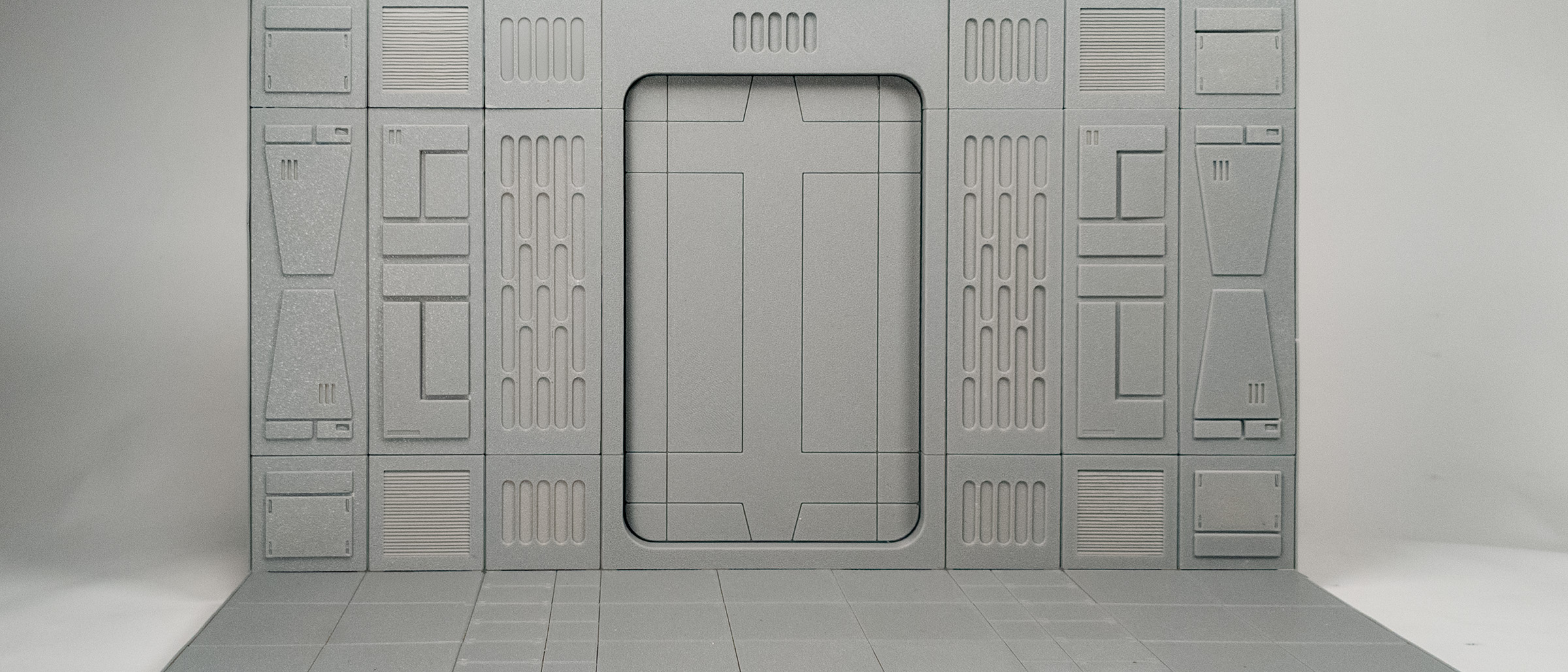
We landed on a single Sci-Fi corridor tile: 50×50mm base, 75mm tall, wall panels that snap to a grid. Sounds simple. It wasn’t.
The 50 mm module decision
Every measurement in DioGrid traces back to one number: 50 mm. That’s MODULE_MM — the base unit for every tile and wall panel in the system.
We tried 40 mm early on. Parts came out fragile, and small details disappeared below 0.2 mm layer heights. At 50 mm, a standard 0.4 mm nozzle can render wire conduits, panel seams, and bolt detail with no post-processing.
The tradeoff: a 4×3 grid runs 200×150 mm on the build plate. That’s right at the limit of most bed-slinger printers. We ship that size as the default “medium” grid and let users scale down.
Designing the wall system
The first wall prototype was a monolithic slab. Terrible idea — it warped off the bed, and any mistake meant reprinting the whole piece.
Version two broke walls into 1×3 panel strips: one tile wide, three tiles tall. This way:
- Each strip prints in under two hours on a 0.2 mm profile
- Strips lock to the floor tile via a tongue-and-groove rail
- You can mix wall types (solid, window, grating) without reprinting the floor
That 1×3 modular logic is now baked into PANEL_MODEL_BY_ACTION inside the app — every wall toggle in the UI maps to one of these strip variants.
The print-face-down discovery
We assumed panels should print standing upright, like a wall — tall and thin. The first prints had terrible layer lines visible on every face the viewer would actually see.
Flipping them face-down solved it in one test print. Visible surfaces now have no layer lines from the Z axis. We wrote up the full reasoning here.
What the first corridor assembly looked like
Six floor tiles, eight wall strips, four corner connectors. Total print time on a Bambu Lab X1C at 0.2 mm quality: ~11 hours across two sessions.
The assembled result:
- 200×50 mm footprint
- Panels snap together with no glue
- Interior detail visible from open end
We photographed it under desk lamp lighting and immediately started planning the Astro-based thumbnail renderer that now lives at ?thumbnails in the app.
What’s next for the corridor system
The Sci-Fi theme is the most developed. Urban and Industrial themes exist in the config (theme: 'Urban' | 'Industrial') but don’t have GLTF assets yet. They’re the next milestone.
We’re also experimenting with half-height corridor variants — suitable for 1:18 scale vehicle dioramas where you want a raised platform effect, not a full enclosed room.
Follow the Studio for updates.